Using Scenic Draft to recreate a sculpture
I recently visited the Guggenheim Museum and particularly liked these sculptures by Carol Bove.
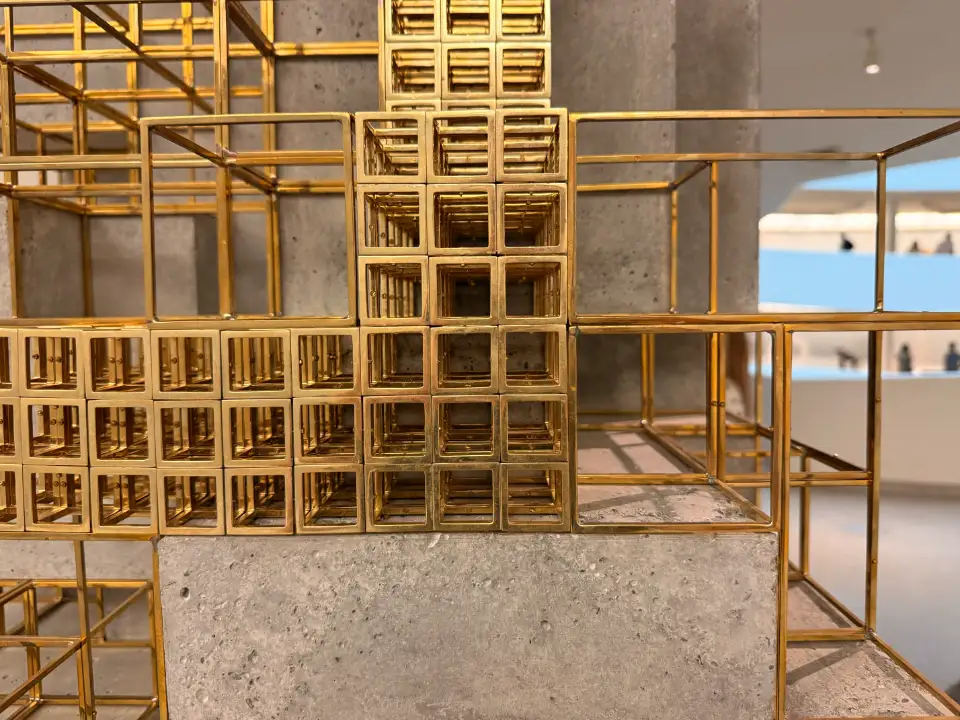
Let's try making something similar with Scenic Draft, the library I've been building for rendering 3D scenes.
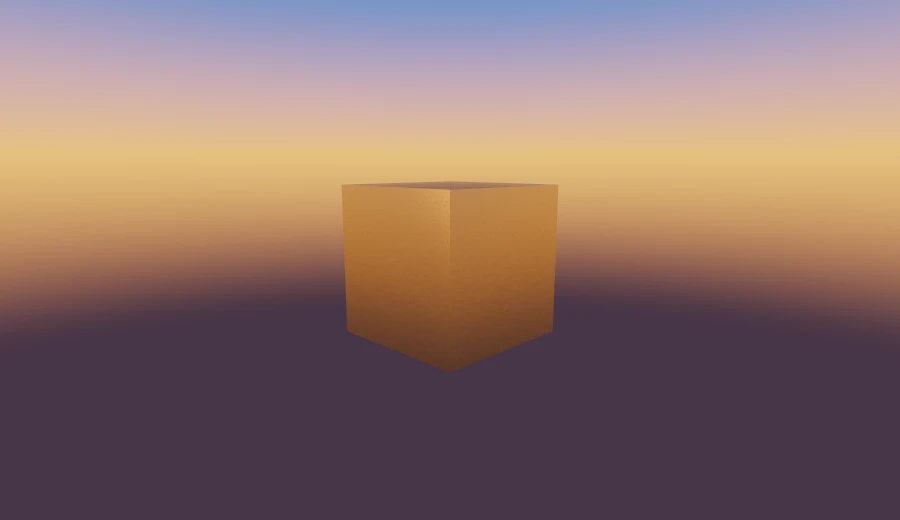
Start with a cube
We'll build it from boxes. box takes half-extents, so box([1.2, 1.2, 1.2]) is 2.4 units across. Let's rotate it 45° around the vertical axis and use materials.brass for a finish close to the sculpture:
const one: Draft = draft(
  box([1.2, 1.2, 1.2])
    .rotateY(Math.PI / 4)
    .paint(materials.brass),
  backgrounds.sunset,
)
Cut it into a frame
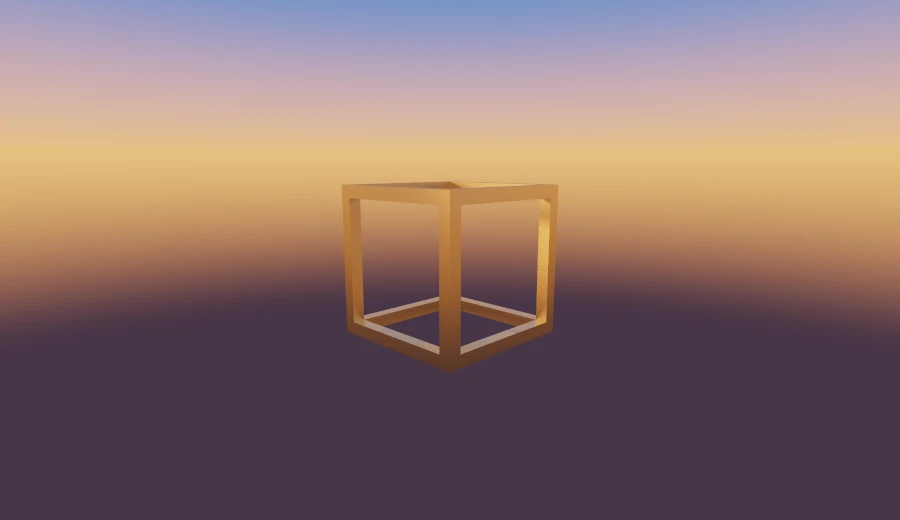
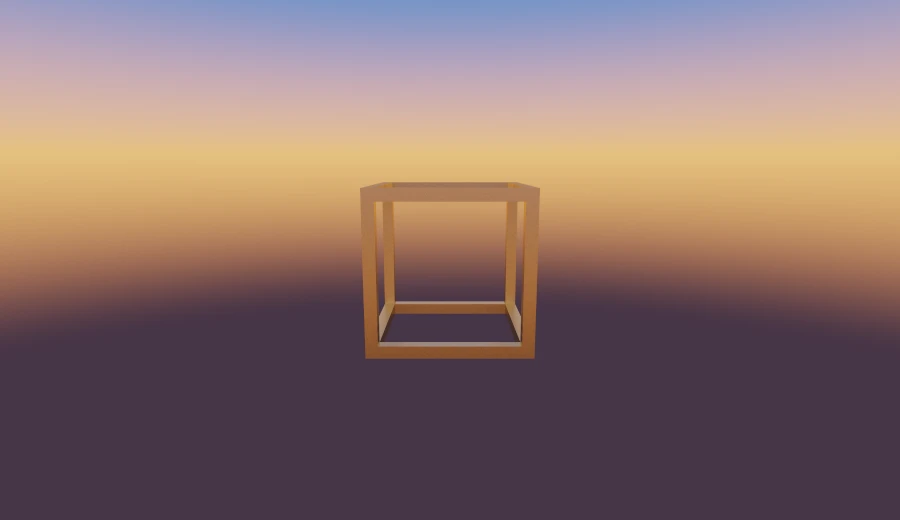
To turn the cube into a frame, subtract a square tunnel along each axis. Each cutter extends right through the cube and is narrower on the other two axes. This leaves the twelve edges:
const two: Draft = draft(
  box([1.2, 1.2, 1.2])
    .subtract(box([1.4, 1, 1]))
    .subtract(box([1, 1.4, 1]))
    .subtract(box([1, 1, 1.4]))
    .rotateY(Math.PI / 4)
    .paint(materials.brass),
  backgrounds.sunset,
)
Make it a function
Let's put that in a function. Making the cutter dimensions proportional to the cube size lets us reuse the frame at different scales.
The 1.01 makes each cutter extend slightly beyond the cube, avoiding coincident faces. 0.85 controls the opening: smaller values leave thicker bars. That would be a useful parameter to expose.
const buildOutlinedBox = (size: number) =>
  box([size, size, size])
    .subtract(box([size * 1.01, size * 0.85, size * 0.85]))
    .subtract(box([size * 0.85, size * 1.01, size * 0.85]))
    .subtract(box([size * 0.85, size * 0.85, size * 1.01]))
    .paint(materials.brass)

const three: Draft = draft(buildOutlinedBox(1.2), backgrounds.sunset)
A row of them
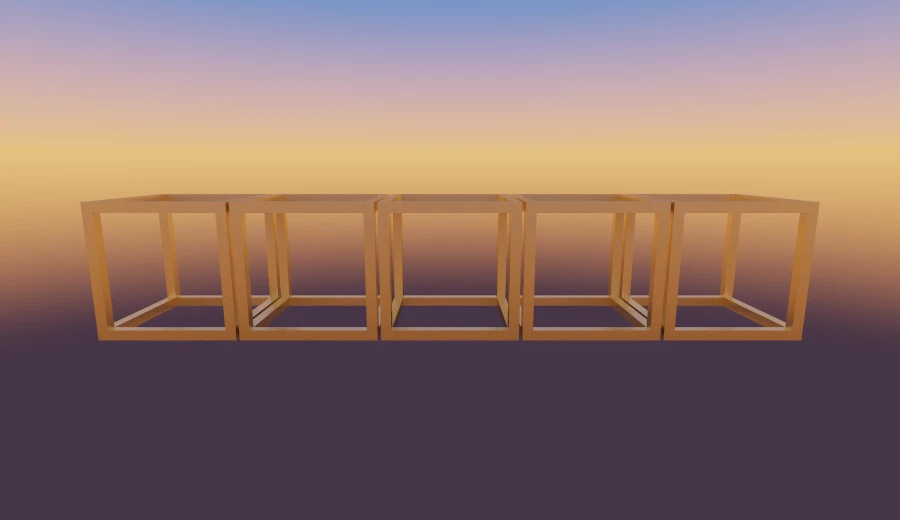
Now use repeat to make a row from one frame. It maps points into a grid cell before evaluating the shape, adding little work per step. The 0.5 post explains how.
The first argument sets spacing; the second sets copies on either side of the centre. [2, 0, 0] gives five frames along x. A spacing of 2.05 leaves a small gap between the 2-unit cubes.
const buildOutlinedBoxAt = (size: number, position: [number, number, number]) =>
  box([size, size, size])
    .subtract(box([size * 1.01, size * 0.85, size * 0.85]))
    .subtract(box([size * 0.85, size * 1.01, size * 0.85]))
    .subtract(box([size * 0.85, size * 0.85, size * 1.01]))
    .translate(position)
    .paint(materials.brass)

const four: Draft = draft(
  buildOutlinedBoxAt(1, [0, 0, 0]).repeat([2.05, 1, 1], [2, 0, 0]),
  backgrounds.sunset,
)
Stack it in three dimensions
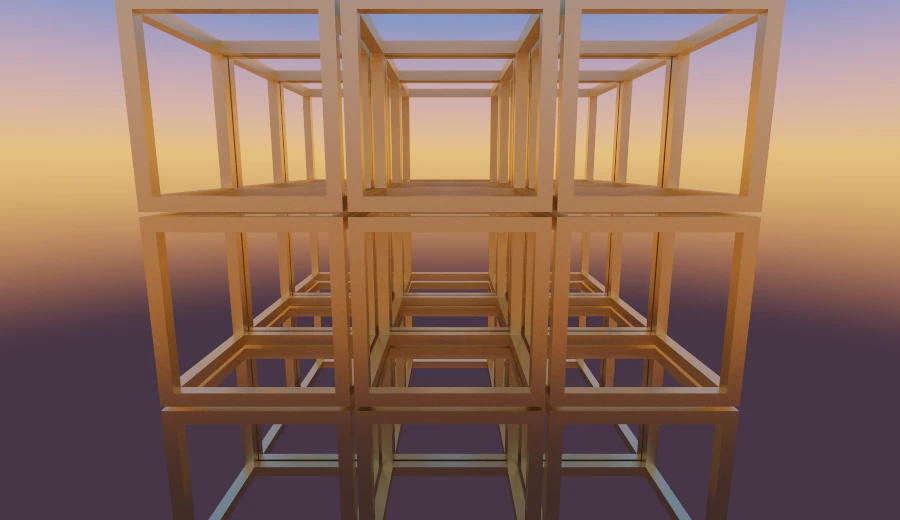
Add spacing on all three axes and allow one copy on either side of the centre. We now have 3 × 3 × 3, or twenty-seven frames:
const five: Draft = draft(
  buildOutlinedBoxAt(1, [0, 0, 0]).repeat([2.05, 2.05, 2.05], [1, 1, 1]),
  backgrounds.sunset,
)
Put it on a plinth
For a plinth, add a box beneath the grid with union. The frames reach down to -3.05. A box centred at -6.14 with vertical half-extent 3.07 has its top at -3.07, just below them.
The outer paint applies concrete, but the frames keep their brass because their inner paint takes precedence. Only the plinth gets the concrete material. Finally, we'll place the camera at [2, 5, 10]:
const six: Draft = draft(
  buildOutlinedBoxAt(1, [0, 0, 0])
    .repeat([2.05, 2.05, 2.05], [1, 1, 1])
    .union(box([3.07, 3.07, 3.07]).translate([0, -6.14, 0]))
    .paint(materials.concrete),
  backgrounds.sunset,
).withCamera(camera([2, 5, 10]))
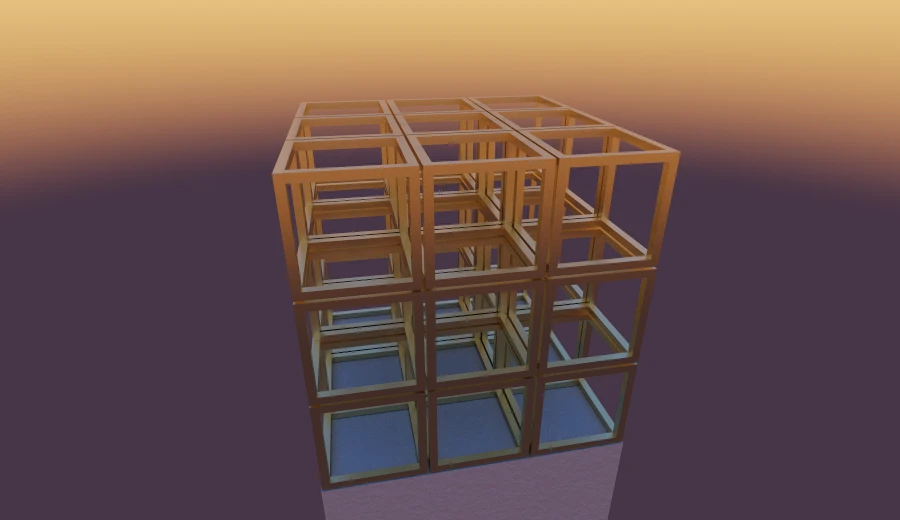
This is a simpler structure than Bove's sculptures, but it gives us a starting point. We can now change the frames, arrangement and materials independently.
Taking it further
You can experiment with this Code Sandbox version.
Some suggestions:
- Make the frame thickness a parameter.
- Add a sun or an emissive light near the centre for stronger shadows.
- Try glass or another transparent material to explore refraction.