An introduction to CAD in TypeScript with Replicad
Replicad lets you create 3D CAD models in JavaScript or TypeScript. You can also share a design in the browser, where someone else can change its parameters without installing anything.
Getting started with 2D drawing
We'll use the Replicad Workbench to write code and see the results. It provides a replicad object with the functions we need. Let's start with a 2D shape:
const { draw } = replicad

export default function main() {
  return draw().hLine(10).vLine(10).hLine(-5).close()
}
The fluent API lets us chain drawing commands. Here we draw horizontal and vertical lines, then call close() to join the last point back to the start:
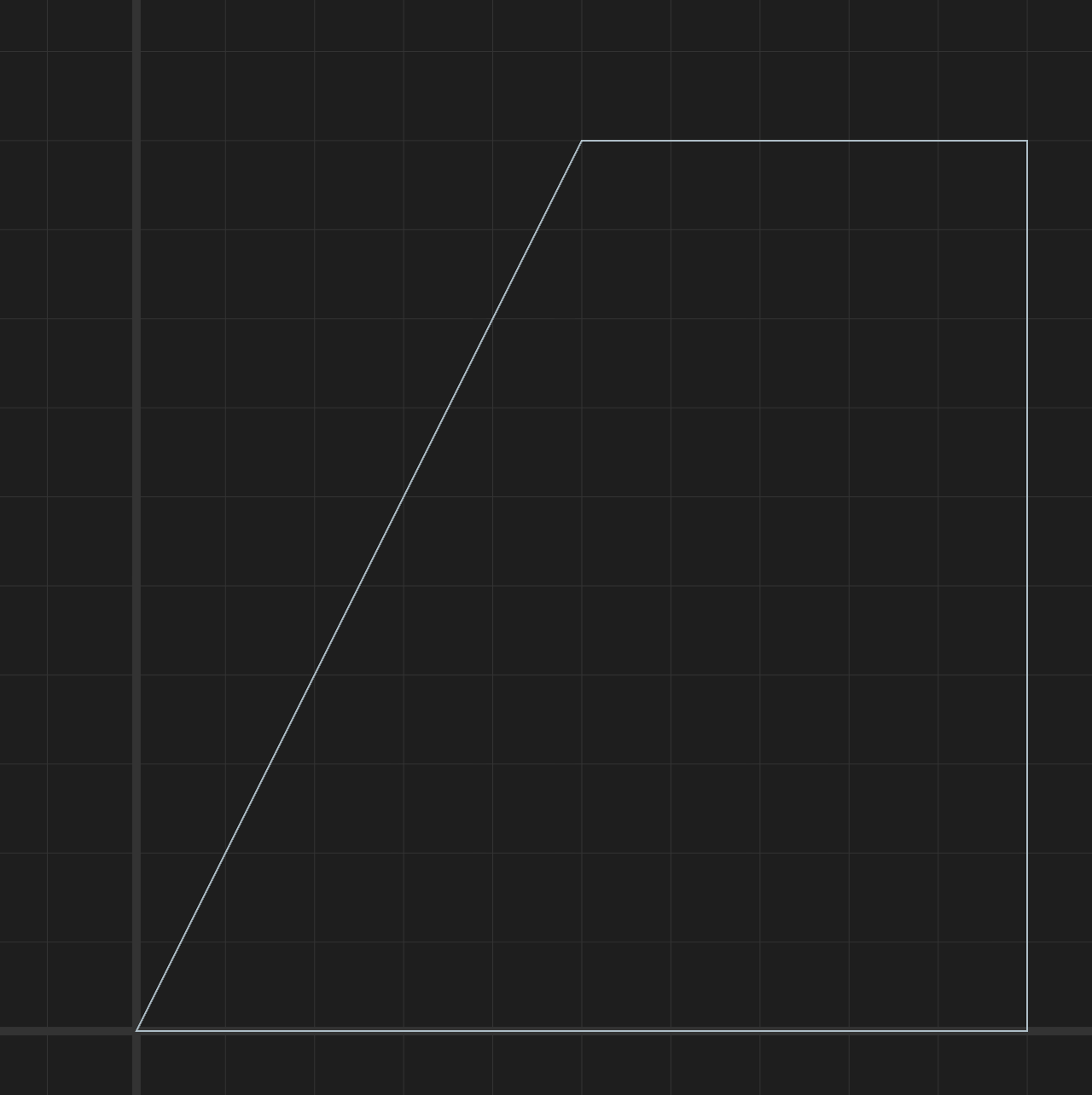
The Drawing Pen docs cover lines, arcs and curves. For common shapes, there are helpers such as drawCircle and drawRectangle.
Extrude it into 3D
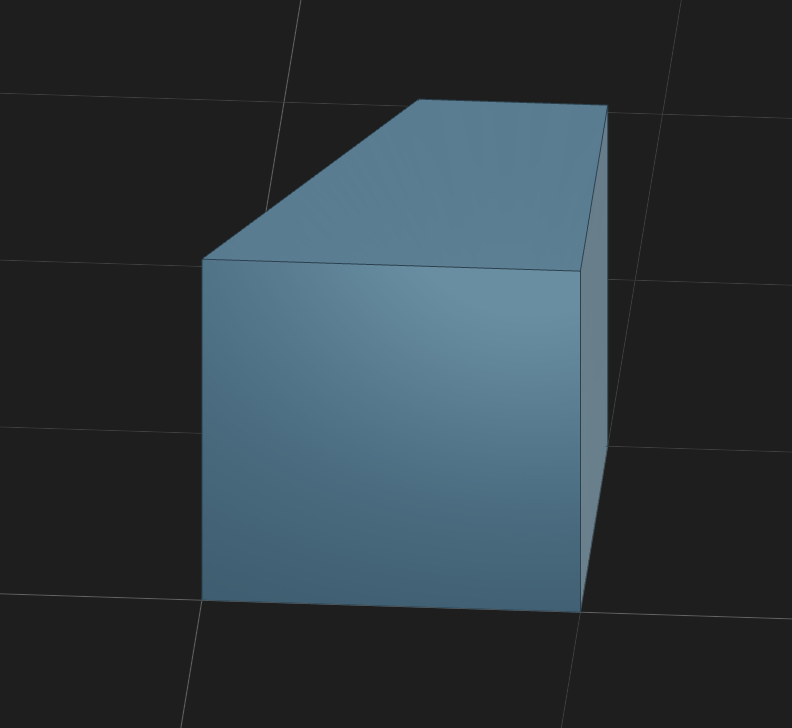
Let's make something 3D. This requires two new steps:
- We sketch it on a particular plane, e.g.,
"XY" - We extrude by a particular depth
export default function main() {
  return draw()
    .hLine(10)
    .vLine(10)
    .hLine(-5)
    .close()
    .sketchOnPlane('XY')
    .extrude(10)
}
Merging (Fusing) Shapes
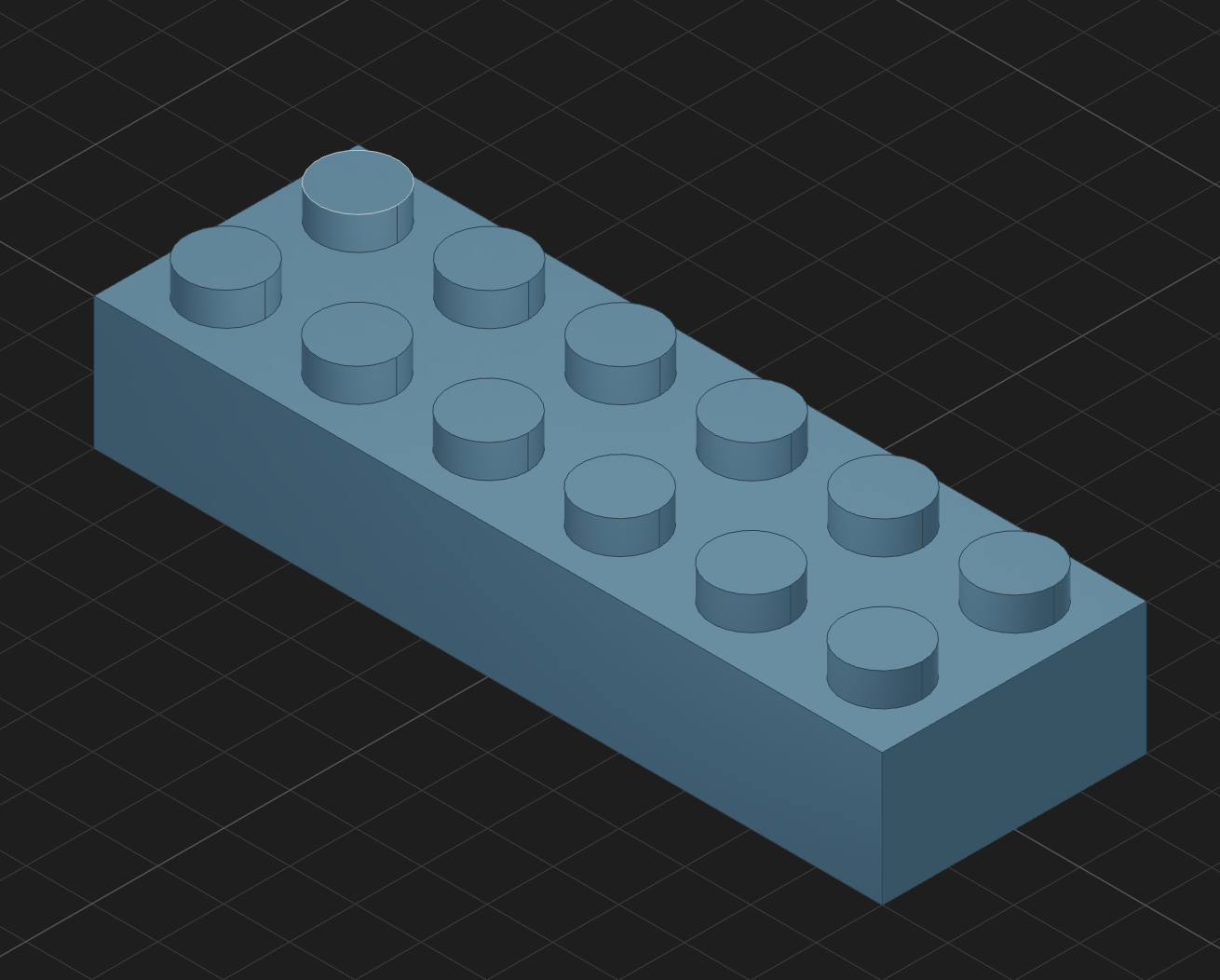
Let's make a Lego brick, like in our previous OpenSCAD tutorial. It will look like this:
We only really need two new concepts:
fuseto combine shapestranslateto move shapes around
The variables N and M control the number of studs. Later, we could make them function parameters.
export default function main() {

  const N = 6
  const M = 2
Let's draw the rectangular body of the brick:
const r = drawRectangle(N * 20, M * 20)
  .sketchOnPlane('XY')
  .extrude(20)
We will then build up an array of cylinders for the studs on top. The tricky bit is positioning them correctly using translate:
const cylinders = []

for (let i = 0; i < M; i++) {
  for (let j = 0; j < N; j++) {
    let c = drawCircle(6)
      .sketchOnPlane('XY')
      .extrude(5)
      .translate(-(N / 2) * 20 + 10 + j * 20, -(M / 2) * 20 + 10 + i * 20, 20)
    cylinders.push(c)
  }
}
Now we need to fuse the body and studs. A helper function applies fuse to each shape in turn:
  return fuseAll([r, ...cylinders])
}

const fuseAll = (shapes) => {
  let result = shapes[0];
  shapes.slice(1).forEach((shape) => {
    result = result.fuse(shape);
  });
  return result;
};
That is enough to start building useful models. There is more to explore: subtracting shapes, joining several 2D sketches into a 3D shape, and modifying the edges of a finished model.